The Albert N. Martin
Sermon Archive
A lifetime of preaching — nearly 3,000 sermons across 46 years — existed only as audio: thousands of hours no search box could reach. We used AI to listen to every sermon, understand it, and give the whole body of work a permanent home worthy of it. Then we let a team of AI agents build the site itself.
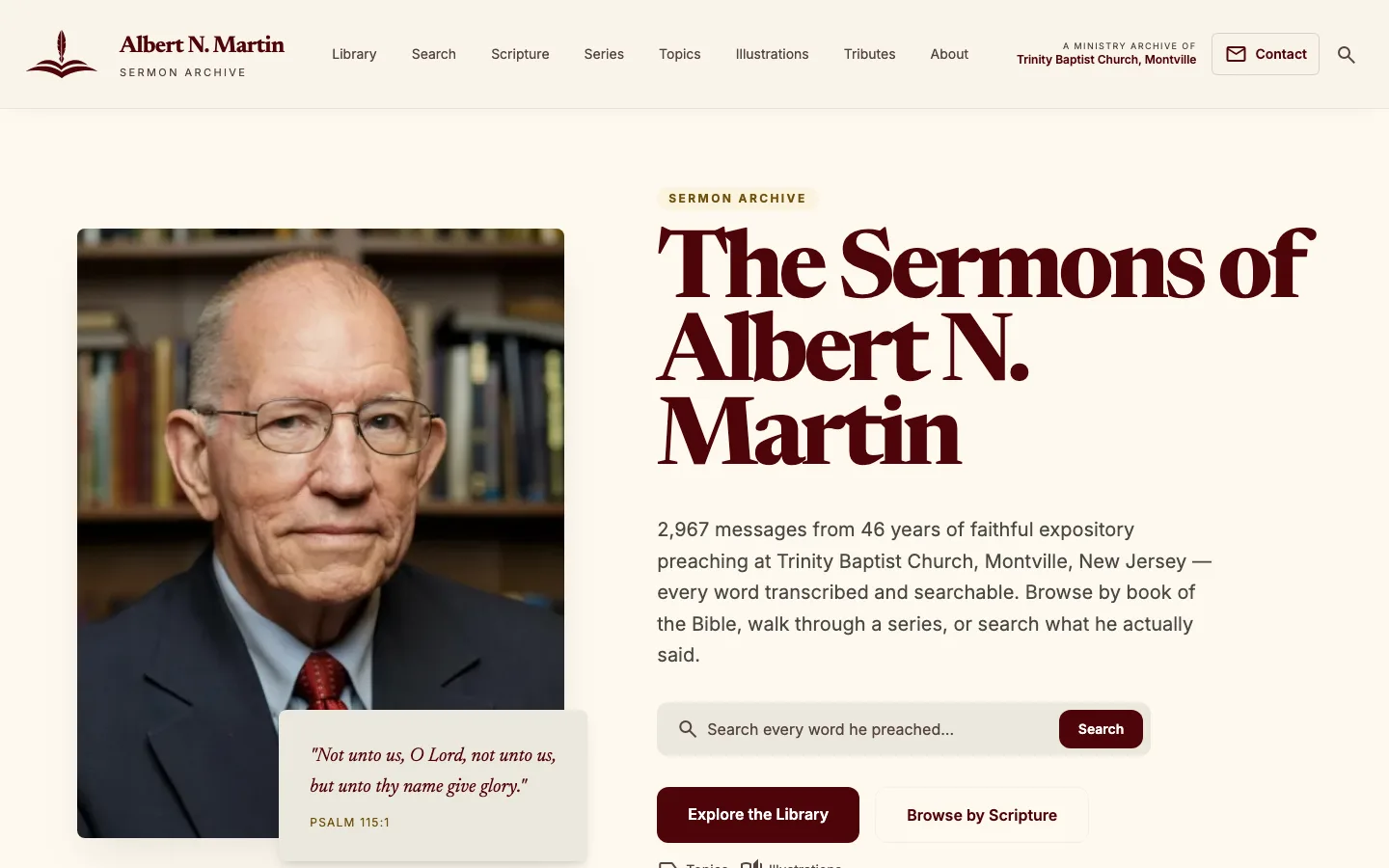
Pastor Albert N. Martin preached at one church for 46 years. When he passed away in April 2026, nearly three thousand recorded sermons stood as the record of that ministry — all of it audio, none of it searchable. We built the archive that work deserved: a place where anyone can read, search, and listen to what he actually said, on any device — assembled with modern AI, presented with the care the moment called for, and engineered to outlast the tools that built it.
A home for a life's work
Pastor Albert N. Martin preached at Trinity Baptist Church in Montville, New Jersey, for forty-six years. When he passed away in April 2026, nearly three thousand recorded sermons stood as the record of that ministry — thousands of hours of preaching, held only as audio files. No transcripts. No index. No way to find a single sentence without listening from the beginning.
So the work had two callings. The first was a worthy, permanent home: one place that gathers the whole body of preaching and treats it with the dignity a life's work deserves — because this archive is a memorial as much as it is a library, built in the same season the people who loved him were grieving him. The second was access: turning thousands of hours of the spoken word into something a person can actually search, read, study, and share. That second problem is exactly where modern AI, used carefully, changes what a small team can accomplish.
"Not unto us, O Lord, not unto us, but unto thy name give glory."
— Psalm 115:1, the verse that greets every visitor to the archive
Teaching a machine to listen
You cannot search audio. So the first job was to turn ~2,520 hours of preaching into accurate text — every word, with a timestamp so we'd later know exactly when in the recording each sentence was spoken. We ran the entire corpus through Whisper, a leading speech-recognition model, on rented cloud GPUs.
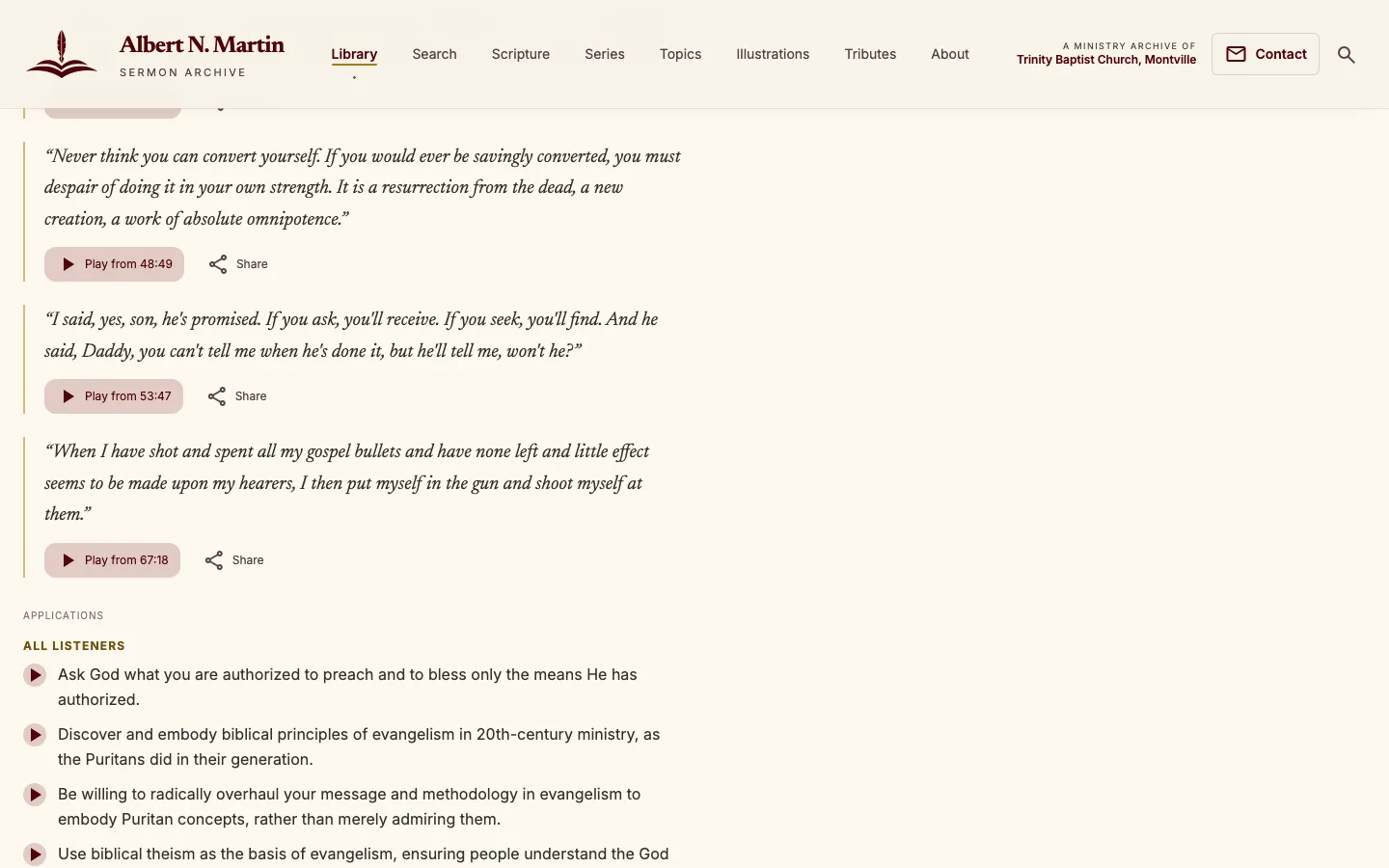
The elegant part is what those timestamps unlock. Because we know the moment every paragraph was spoken, every line of the transcript becomes a click-to-play button. Read a striking sentence, tap it, and you hear him say it — in his own voice.
◇ For engineers How the transcription actually ran
Transcription used faster-whisper with
whisper-large-v3 (float16, CUDA, beam size 5, VAD
filtering) across 12+ rented Vast.ai GPU instances
(RTX 3090 / 4070S Ti / 4060 Ti / 3060). Work was sharded by
modulo, with an ID-list mop-up pass to catch stragglers after an
instance crashed mid-run. Raw Whisper segments were re-grouped
into readable paragraphs — breaking on a 1.5s+ pause, four or more
sentences, or 45 seconds. The whole ~2,520-hour corpus was
transcribed for roughly $20 of compute. A local
fallback path supports Groq and Fireworks Whisper endpoints for
incremental re-runs. Every script is idempotent and restartable —
a hard requirement when you're renting GPUs by the minute.
From speech to structure
A transcript is searchable, but it's still just a wall of words. To make the archive genuinely useful, we had a second AI model read every sermon and pull out its structure — the way a diligent study assistant might, except across 2,900+ sermons, in days rather than decades.
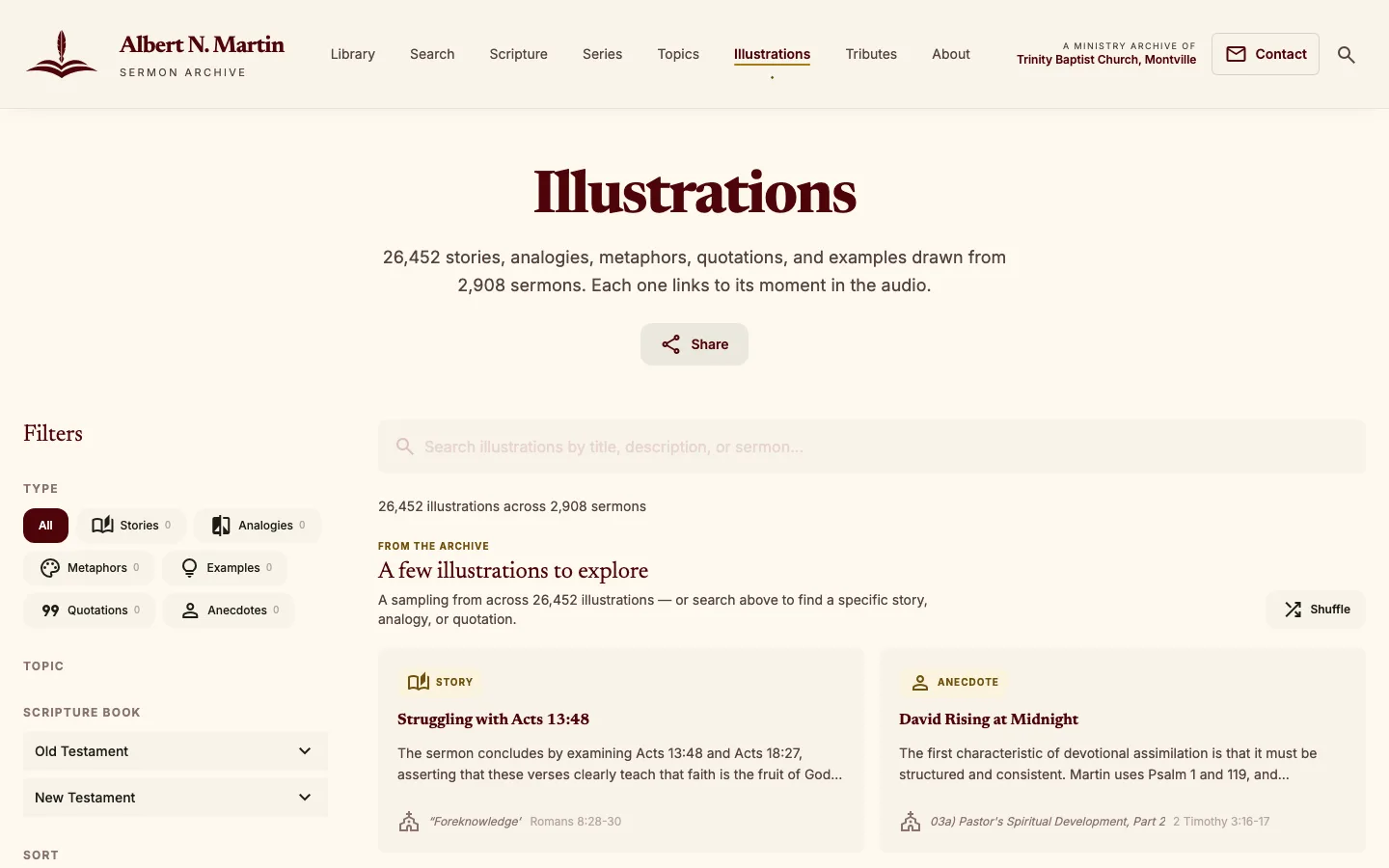
For each sermon, Google Gemini produced a plain summary, the topics it covers, the Bible passages it expounds, a section-by-section outline, its application points, and — most distinctively — every illustration the preacher used: each story, analogy, metaphor, and quotation, tagged and searchable. That single step is what created the archive's 26,452-strong Illustrations Library.
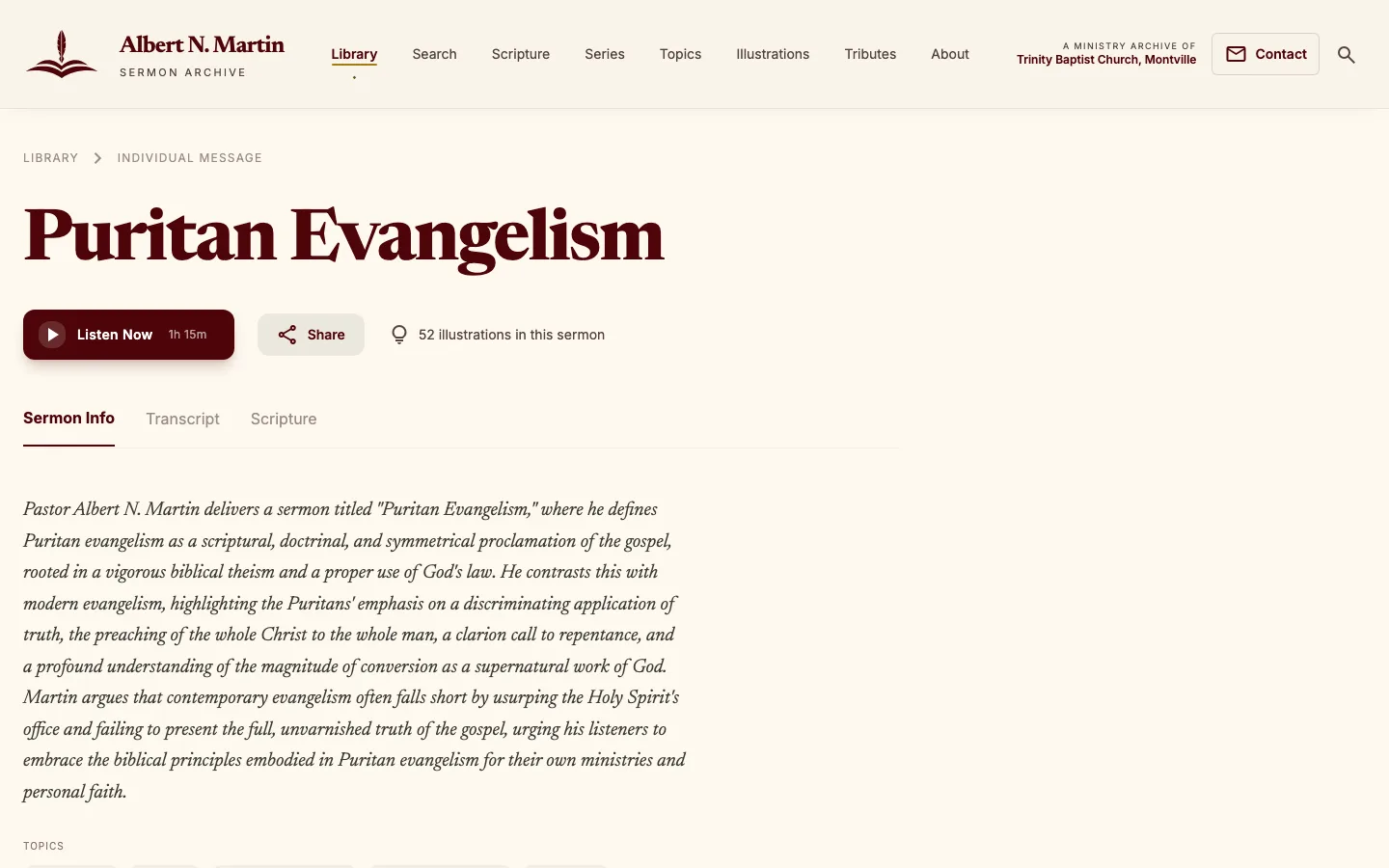
Left: 26,452 illustrations mined from the sermons, each linked back to the moment it was spoken. Right: every sermon gets an AI-written summary, an outline, topics, and Scripture — turning a recording into a study resource.
◇ For engineers The enrichment schema & validation
Each transcript was sent to gemini-2.5-flash
(temperature 0.1, thinking budget 0, strict JSON response,
concurrency 5) which returned one structured analysis object:
summary, 5–12 topics drawn from a
controlled vocabulary of 180 canonical themes,
scriptureReferences classified as expounded /
referenced / alluded, 1–3 mainPassages, a 4–12 part
sections outline with paragraph ranges,
illustrations (kind / title / description),
4–8 verbatim keyQuotes, and
applicationPoints with target audiences. Every
illustration, quote, and application carries a
paragraphIndex, which is the hinge that makes
everything click-to-play. A post-processing layer then validated
topic spelling against the canonical list, checked every Scripture
reference against 66-book canonical data, repaired outline gaps,
and verified quotes against the source transcript. Full-corpus
enrichment cost about $50.
Search what he actually said
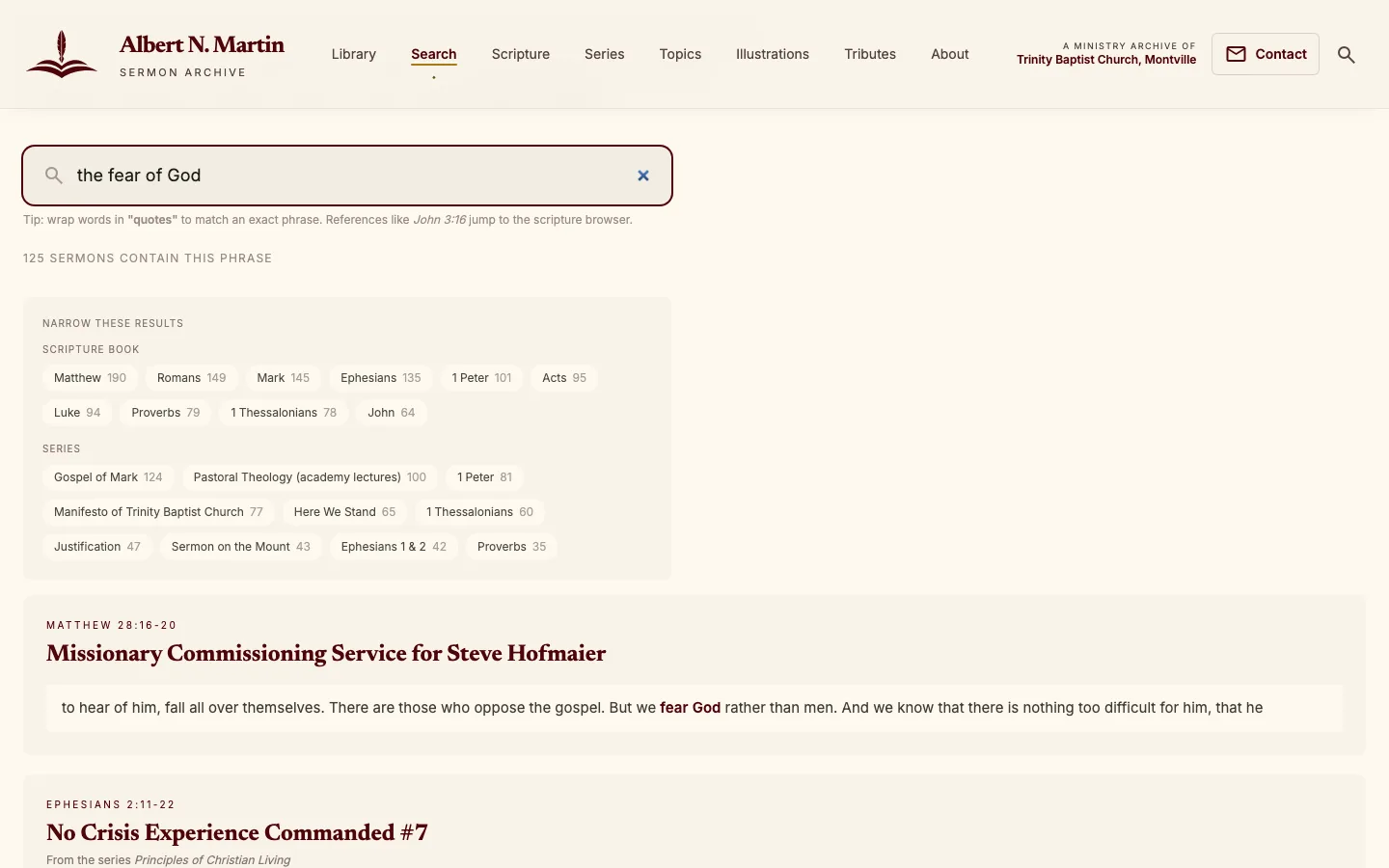
Most "sermon sites" let you search titles. This one lets you search every word he preached. Type a phrase and the archive finds the exact sermons — and the exact passages — where he said it, then lets you narrow by Bible book or series with a tap.
We deliberately made the core search fully static: it is built into the site itself and keeps working even if the back-end server is ever offline. Fast, resilient, and free to run.
◇ For engineers Three search systems, one experience
Pagefind builds a static full-text index of every transcript at build time — the offline-proof word search. Fuse.js powers instant client-side faceted filtering across the library and the 26,452 illustrations. And for the AI "Ask" feature, all 338,688 transcript paragraphs are embedded as 768-dimension Gemini vectors and stored in PostgreSQL + pgvector behind an HNSW cosine index, retrieved alongside a FlexSearch keyword index and fused with Reciprocal Rank Fusion. Three retrieval strategies, each chosen for the job it's actually best at.
The experience, on every screen
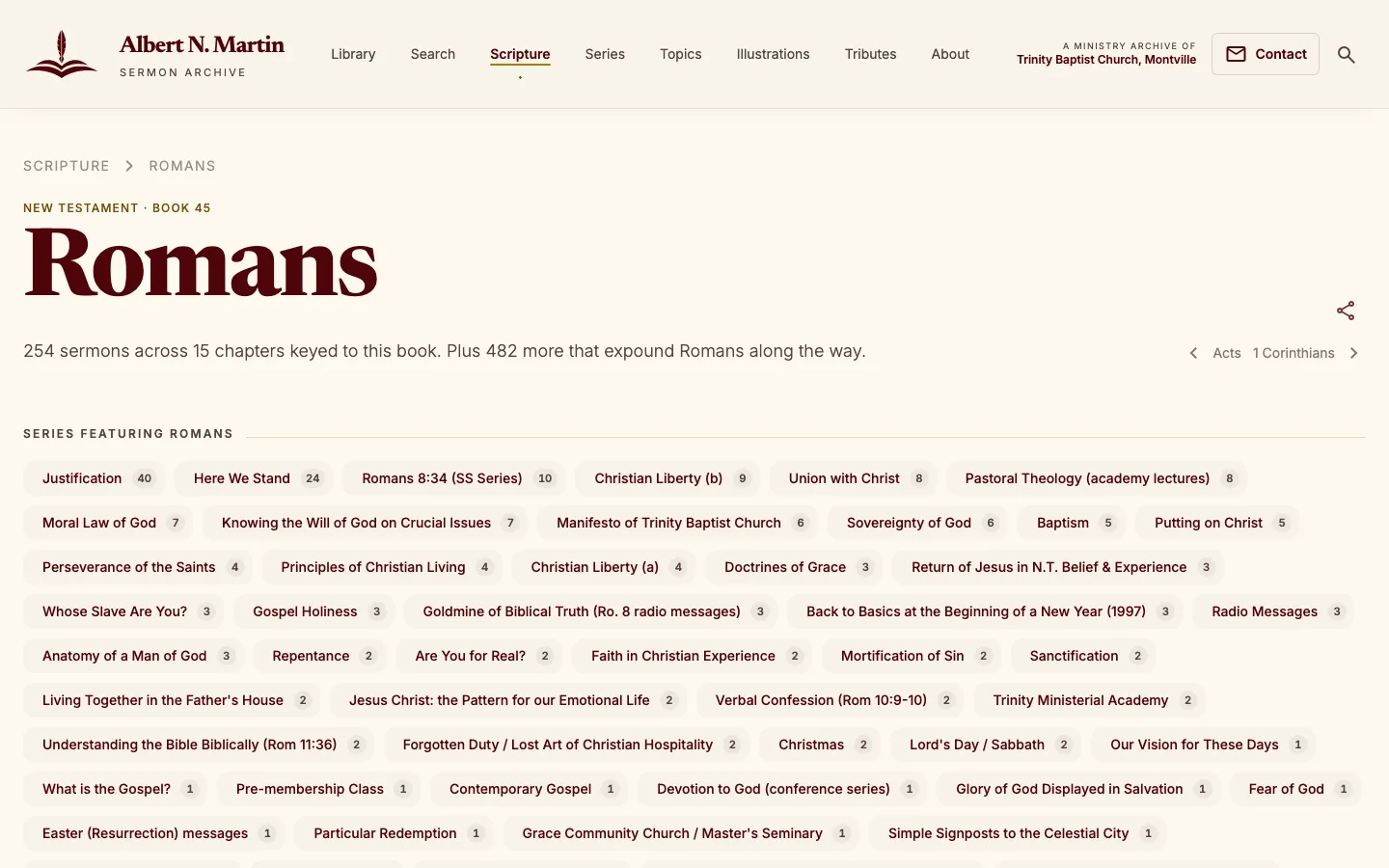
Data is only worth as much as the experience wrapped around it. The archive is warm, fast, and legible — designed to feel like a well-made book, not a database. You can browse by series, walk the Bible book by book, follow a topic, or just listen. And a floating audio player follows you across the whole site, so the recording never stops when you click to the next page.
Built mobile-first
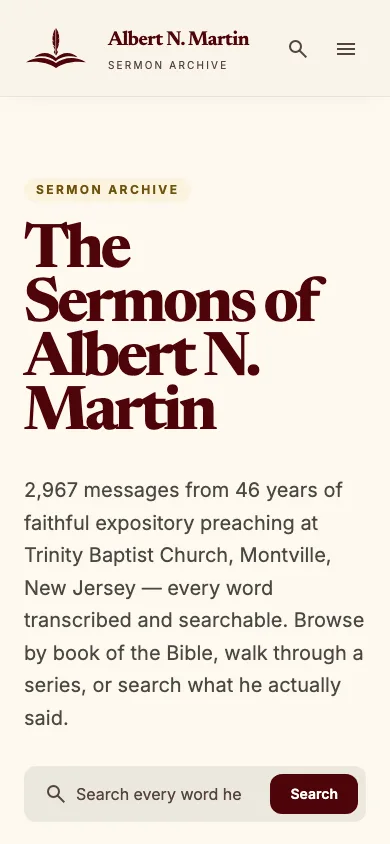
Most people meet the archive on a phone. Every page was designed to be just as clear and quick on a small screen — the same click-to-play transcripts, the same search, the same care.
◇ For engineers The player that follows you everywhere
The audio player is a Preact island whose state lives in Nanostores, so it persists across page navigation instead of restarting on every click. It implements the browser Media Session API, so it shows up with full lock-screen / "Now Playing" controls on iOS, Android, macOS, Windows, CarPlay and Android Auto — with resume-on-return and per-series auto-advance. The rest of the site is static Astro with islands hydrated only where interactivity is needed, which is how a 8,297-page site still scores 100 on Accessibility, Best Practices and SEO with near-zero layout shift.
Ask the Archive
We built something rare: an AI research tool that answers a plain-language question by weaving together the preacher's own verbatim words — never the AI's opinion. Ask it about assurance, or suffering, or prayer, and it assembles a coherent answer entirely out of real quotes, each one linked back to the exact audio. It can even splice those clips together so you hear the answer in his own voice.
The hard part isn't generating text — it's refusing to. An archive of a real person's theology cannot afford an AI that paraphrases or invents. So we engineered the machine to be a curator, not a speaker.
- Verbatim-only quotes. Every quoted block must be an exact, contiguous substring of one real transcript paragraph — no edit-distance slack. It copies him exactly, or it fails.
- Curator, not speaker. The AI may only write short positional bridges between quotes ("he turns next to…"). A linter rejects any doctrinal wording it wasn't given.
- Care rails. A keyword pre-filter detects a person in genuine crisis and short-circuits the whole system into a gentle care response — and works even if the AI is offline.
- Held with consent. The feature is fully built and deployed, but intentionally switched off pending the blessing of the Martin family and the church.
That last point matters: the most technically impressive feature we built is the one we chose not to launch without permission. Stewardship is part of the engineering.
Built by a team of AI agents
Here is where the project gets unusual. We didn't just use AI inside the product — we used a coordinated team of AI agents to build the product. Using an orchestration system called Loom, every piece of work became a GitHub issue, and specialised agents moved each issue through a real software lifecycle: enrich the spec, build it on its own branch, review the pull request, and merge it when it's clean.
The assembly line
A task is filed on GitHub — a feature, a fix, an idea.
An agent enriches it into a clear, buildable spec.
A builder agent implements it in an isolated worktree, opens a PR.
A judge agent reviews the PR for quality and safety.
A champion agent merges it — and the change ships.
The result is a build process that is fast, parallel, and — crucially — auditable. Every decision lives in a pull request you can read. This very case study was itself run the same way, as a tracked GitHub issue.
◇ For engineers The Loom role model
Loom coordinates agents through GitHub as the shared source of
truth, with one git worktree per issue (branch
feature/issue-N) so agents work in parallel without
colliding. Labels drive the state machine
(loom:issue → loom:curated →
loom:review-requested → loom:pr). The
roles that ran this archive:
- Curator enriches a raw idea into a spec-ready issue
- Builder implements it in an isolated git worktree, opens a PR
- Judge reviews the PR for quality, security & correctness
- Champion auto-merges once it is clean and mergeable
- Hermit hunts down complexity and proposes removing it
Governance is deliberate: a capped number of parallel agents, no unattended daemon, and auto-merge restricted to pull requests GitHub reports as genuinely mergeable and clean. Over the archive's build that produced 205 commits and 76 merged pull requests — including a long run of performance work that cut the image payload from tens of megabytes to under two.
Built to outlive us
A memorial archive has one job above all others: it has to last. So the whole system is designed to depend on no single company, server, or account staying alive. All audio lives on independent storage behind its own dedicated hostname, so playback never rests on a third party. The database backs itself up every night; the audio replicates every week to a second location. Transcripts and AI enrichments live in version control, mirrored to GitHub on every change.
PostgreSQL backed up and shipped to cloud storage — with a size floor that refuses to upload a truncated dump.
All ~21 GB of audio replicated to a second bucket — using copy, never sync, so a mass-delete can't propagate.
A full restore was rehearsed end-to-end: 338,688 paragraphs recovered from a real backup in ~19 minutes.
Automated uptime checks probe the site and database every 10 minutes and open an incident if anything slips.
A public Internet Archive preservation copy is written up and ready — and, like the Ask feature, waits on the family's and church's go-ahead.
A wall of audio, now a living archive
What began as thousands of hours of audio is now a fast, beautiful, searchable archive with a permanent home at the church's own domain — every sermon transcribed, understood, cross-linked by topic and Scripture, and one tap from playback. And the whole thing is engineered to keep working long after the tools that built it are gone.
2,967 sermons · 26,452 illustrations · 62 of 66 Bible books · 8,297 pages, all statically served and mobile-first.
Lighthouse 100s for Accessibility, Best Practices and SEO; near-zero layout shift; search that works even offline.
Independent hosting, tested backups, and the two most powerful features held back until the family says yes.
The full stack
- Astro 6 static site generation — 8,297 pre-rendered pages
- Preact islands audio player, search, Ask — hydrated only where needed
- Nanostores cross-island state (the player survives navigation)
- Tailwind CSS v4 design tokens, no JS config
- Pagefind static full-text search of every transcript
- Fuse.js instant faceted filtering in the browser
- PostgreSQL + pgvector 768-dim embeddings, HNSW cosine index
- FlexSearch in-memory keyword index for hybrid retrieval
- Whisper large-v3 speech-to-text for ~2,520 hours of audio
- Google Gemini 2.5 Flash sermon analysis + 768-dim embeddings
- Anthropic Claude intent, re-rank & answer composition (Ask)
- Verbatim verifier guarantees every quote is really his words
- Hetzner VPS + Caddy serves the static build, proxies the API
- Cloudflare R2 + edge independent audio hosting + global CDN
- Doppler runtime secrets — no credentials on disk
- Loom + GitHub AI agents building through issues & pull requests
This is what Brightwork does: we take something hard — a huge, messy, important archive — and use AI with real craft and real restraint to make it useful, beautiful, and built to last.
Visit the live archive